
See who you haven’t talked to in a while.
Ciao! is an iPhone app for keeping in touch with friends and family, called Ciao: Friendship Tracker on the App Store. Pick how often for each person, and Ciao! tells you when it’s been a while. Every friend gets a little animal whose face shows how long it’s been.
Try it with someone you know.
What you type stays on this page. We don’t save it or send it anywhere.

Marco
You talked today
About a month later, at 6:00 PM

You haven't talked to Marco
It's been a month. Just say hi.
nowThe faces show how long it’s been since you talked to a friend.
Swipe right when you talk. The clock resets.
How it works
You add the people. Ciao! keeps count.
Real screens from the app.
-
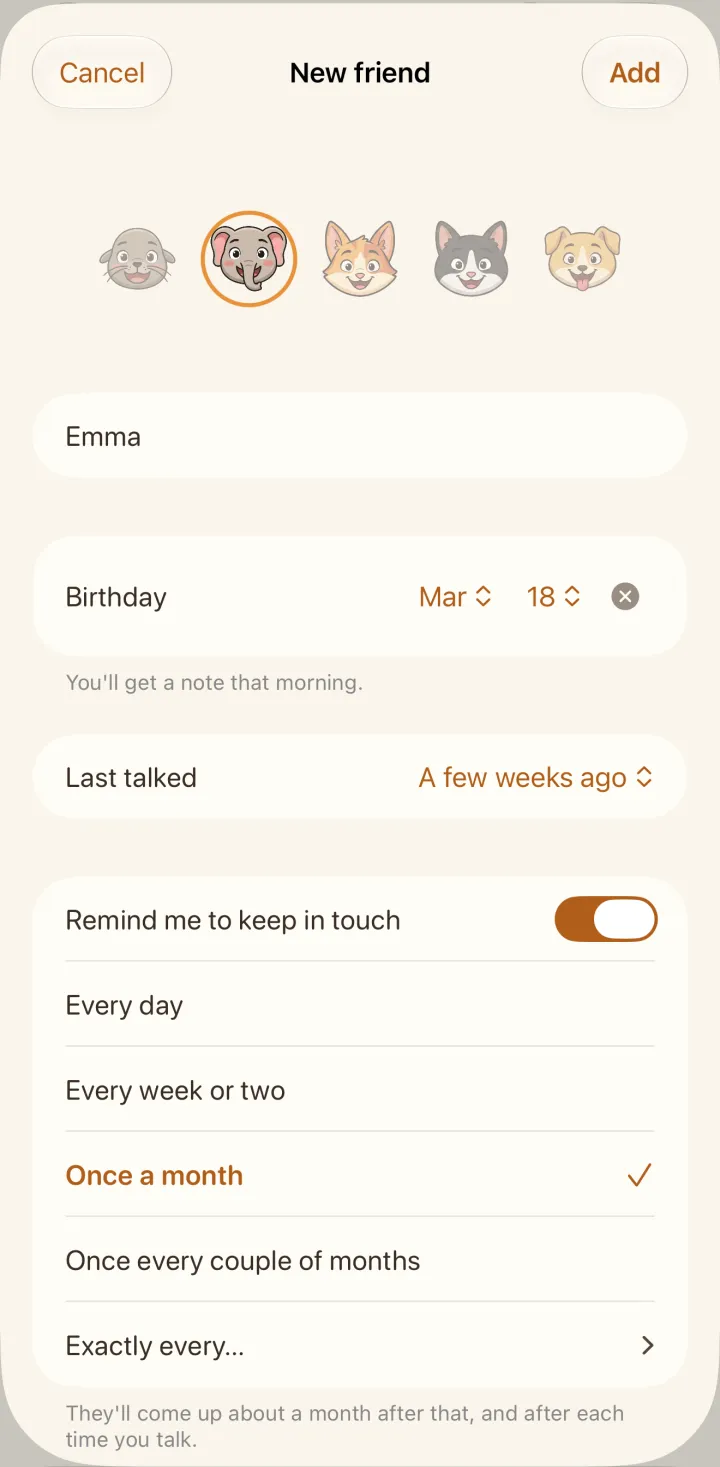
Add the people you care about
Pick them from your contacts or type a name, and add their birthday if you know it. Then choose how often you’d like to hear from each one: your parents every week, an old school friend once a month.
-
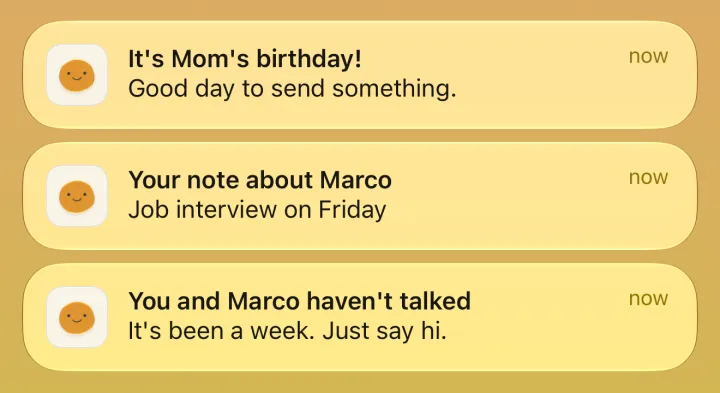
Ciao! tells you when it’s been a while
It counts from the last time you talked, not from a date on a calendar. When someone’s due, you get a short note that evening. On Sunday, you get a quick look at everyone who’s waiting.

-
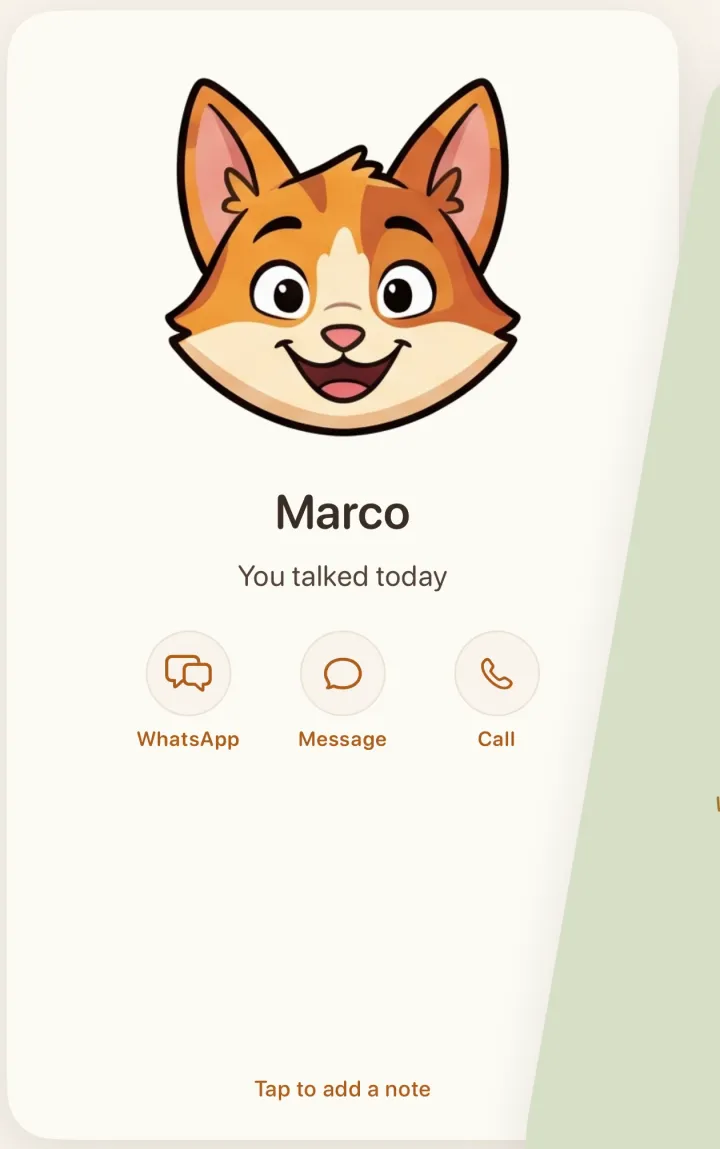
Swipe right when you talk
Everyone who’s waiting gets a card. Swipe right and their clock starts again. Swipe left for “Not now” and they come back next Sunday. Tap the card to say when you talked and jot down what’s new.
Know what to ask next time.
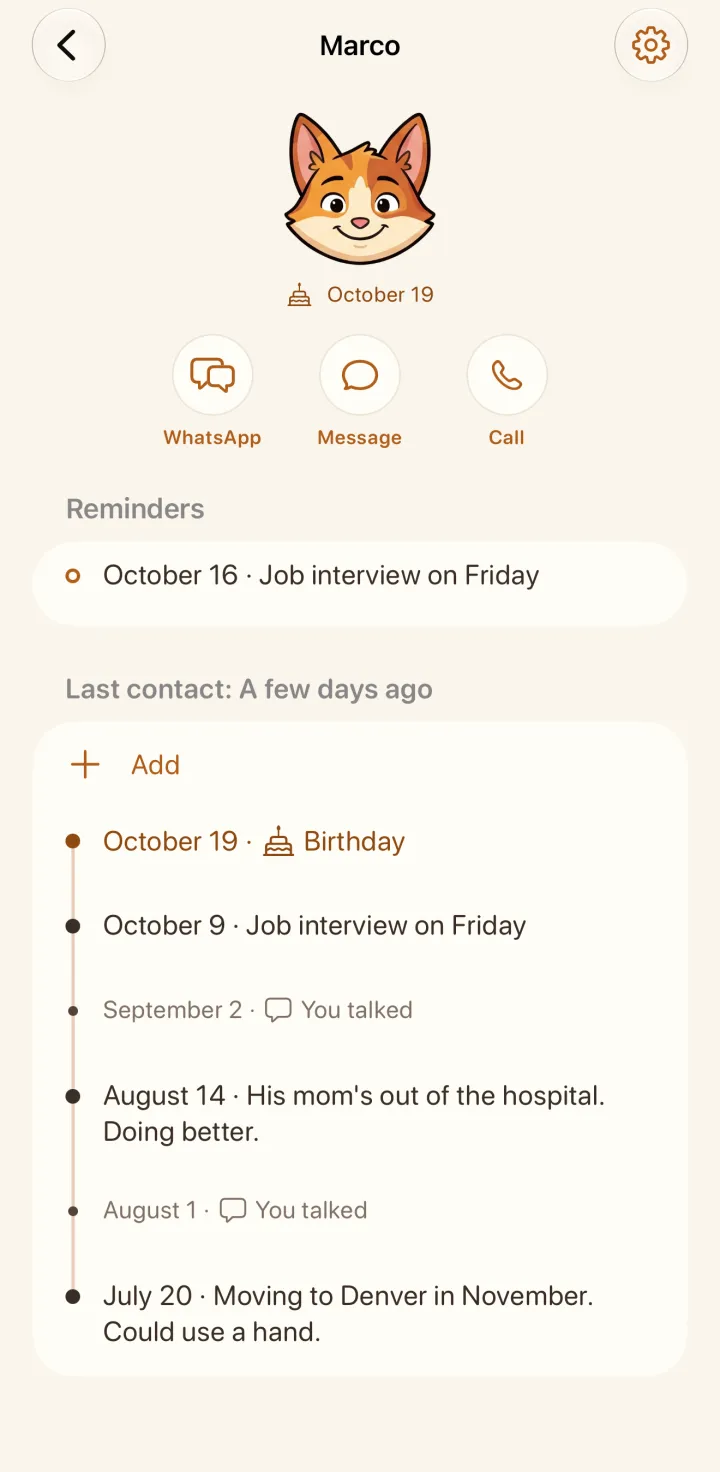
After you talk, write a line about what’s going on: a job interview on Friday, a move, an exam. Each friend has a page with your notes, newest first, so you can catch up before you write. Want it back on a certain day? Add a reminder to the note and your own words come back then.
Never miss a friend’s birthday
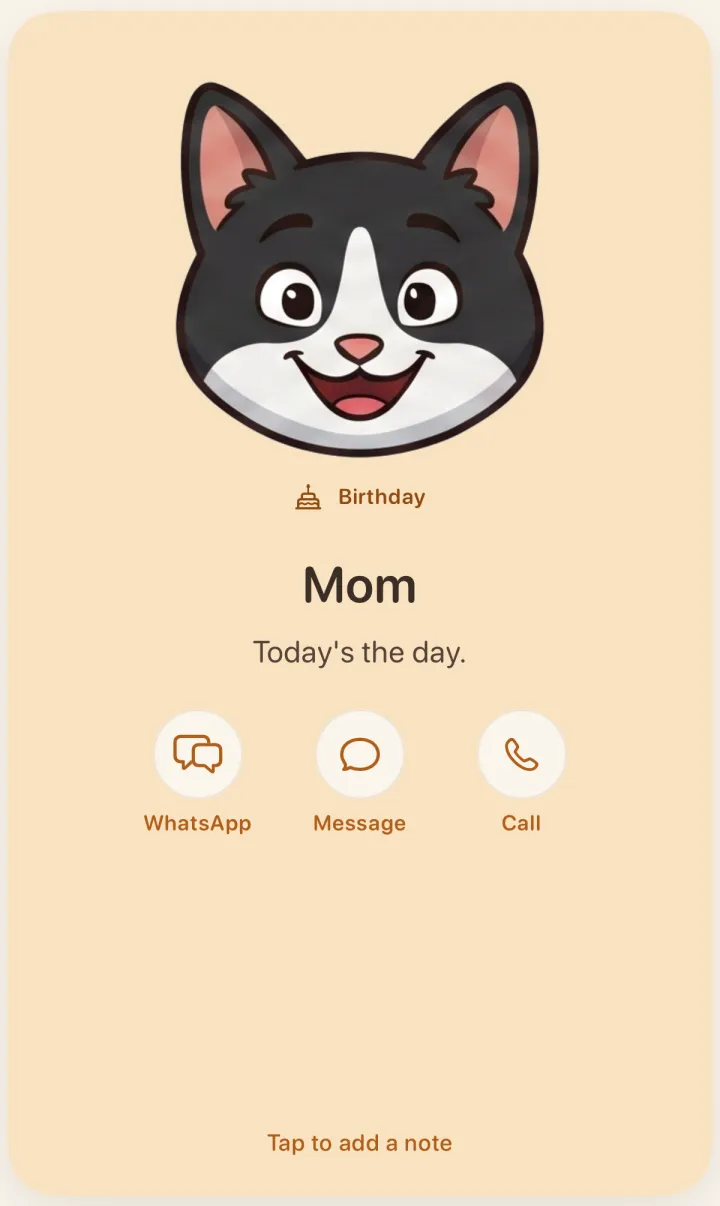
Add a birthday once. That morning you get a note, and they’re the first card in your stack.
What people wrote on the App Store
“I always forgot to call mom and she got mad everytime. Now I have a non invasive reminder and she is not mad anymore.”
“It’s a simple and gentle reminder to check in with people you care about when life gets busy, without making it feel like a chore.”
“Finalmente un’app che mi aiuta a non perdere di vista le persone a cui tengo, anche quando la vita di tutti i giorni ci porta a sentirci meno.”
Translated: “Finally an app that helps me keep the people I care about in view, even when everyday life means we talk less.”
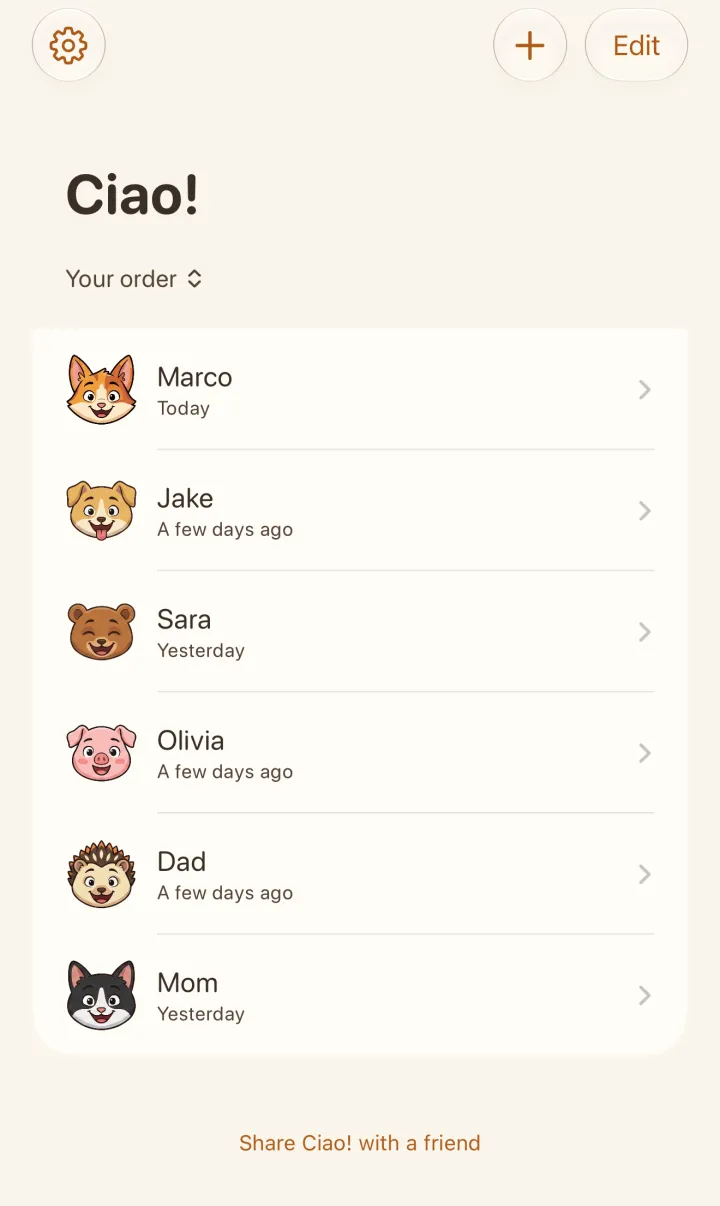
Every friend gets a little animal.
There are fifteen to choose from, like a fox, a koala or a hedgehog. Its face changes with time. It’s happy after you talk and looks a little worried when it’s been a while.
One look at your list shows how your friendships are doing. The same faces can sit on your home screen in a small widget.







No account. We can’t read your notes.
Nothing to sign up for.
Open the app and add your first person. There’s no email or password to make up.
Your notes stay with you.
They live on your iPhone and in your own iCloud. If you use iCloud, a new phone gets them back.
You write every message.
If you’ve saved their number, Ciao! opens WhatsApp, Messages or a call. It never sends anything for you.
Your friends aren’t in the app.
Nobody gets an invite, and nobody finds out they’re on your list.
Price
Try it free for a week.
You start a free week on the last screen of setup, after you’ve added your first person. After that it’s €3.99 a year, less than a coffee a month.
To stop, cancel in your iPhone’s Settings at least a day before the free week ends, and you won’t pay anything.
Yearly
7 days free, then
€3.99 a year
Outside the euro countries, the App Store shows your local price before you confirm.
Get Ciao! on the App Store
Then €3.99 a year · No account · Cancel any time
Bought Ciao! before? Tap Restore Purchases on that screen and everything stays as it was.

Being a good friend is easy.
Start with Marco.
Setting up takes a few minutes, and the first week is free.
Get Ciao! on the App Store
Then €3.99 a year · No account · Cancel any time